Why Choose HP Z440 Motherboard
Goal: build a high-memory machine at low cost, with good maintainability and expansion.
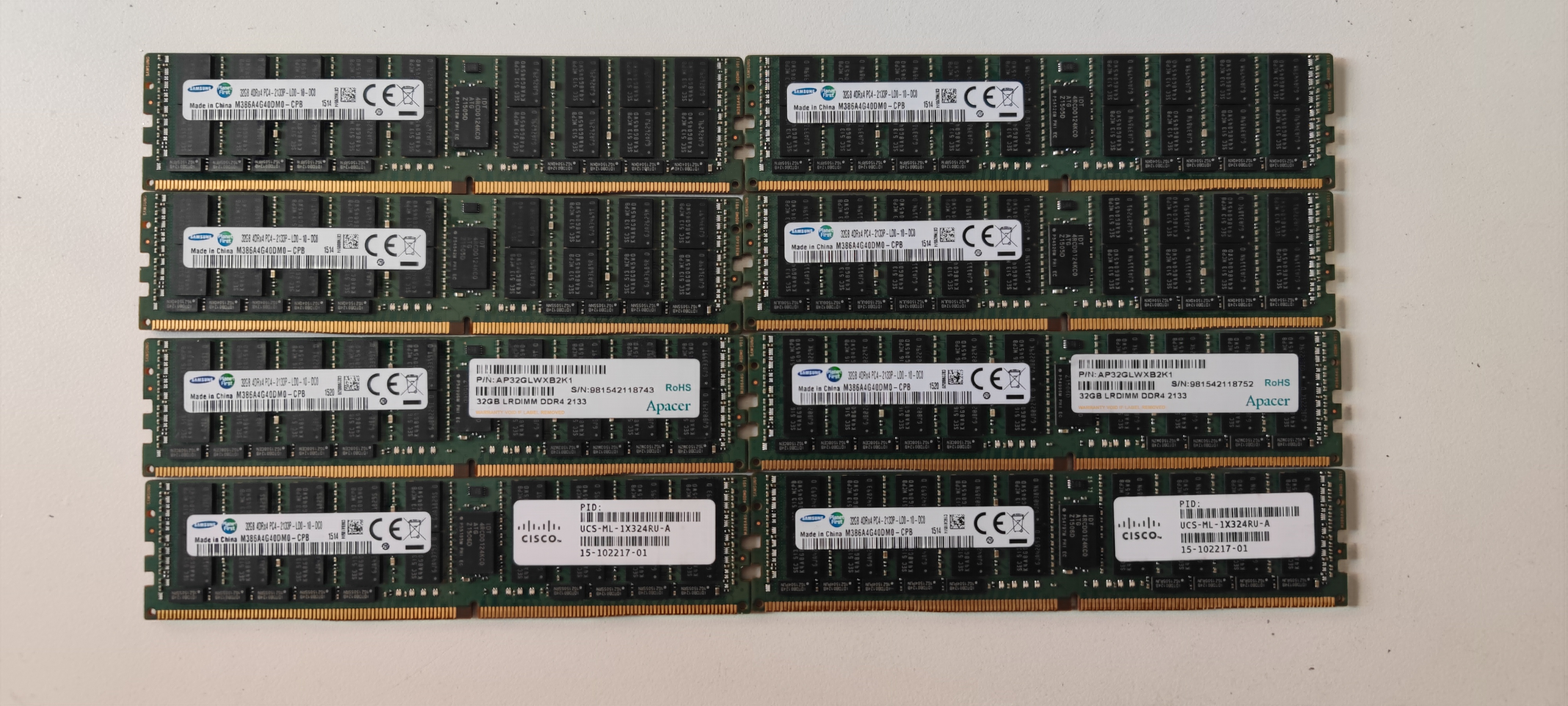
Memory choice
- DDR4 2133 32GB ECC REG (4R*4) modules were priced around 190 CNY each.
- 8 sticks = 256GB total.
- Cost-performance was better than most alternatives at the time.
CPU choice
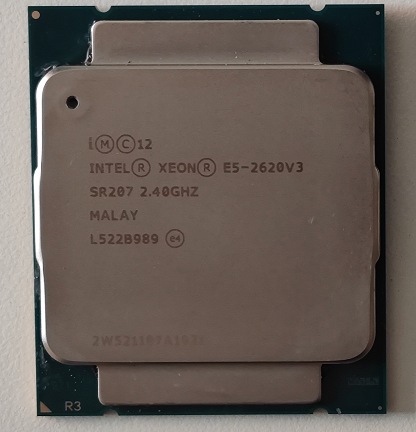
Initial test CPU: E5-2620 v3 (very low cost).
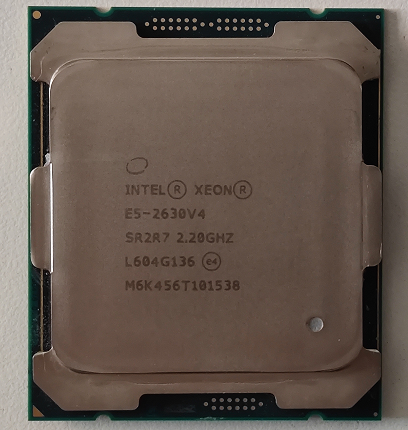
Later practical options: E5-2620 v4 or E5-2630 v4.
Why not buy full Z440 system
- Full systems were expensive.
- Self-assembled board + PSU adapter solution was much cheaper.
Build and Wiring Notes
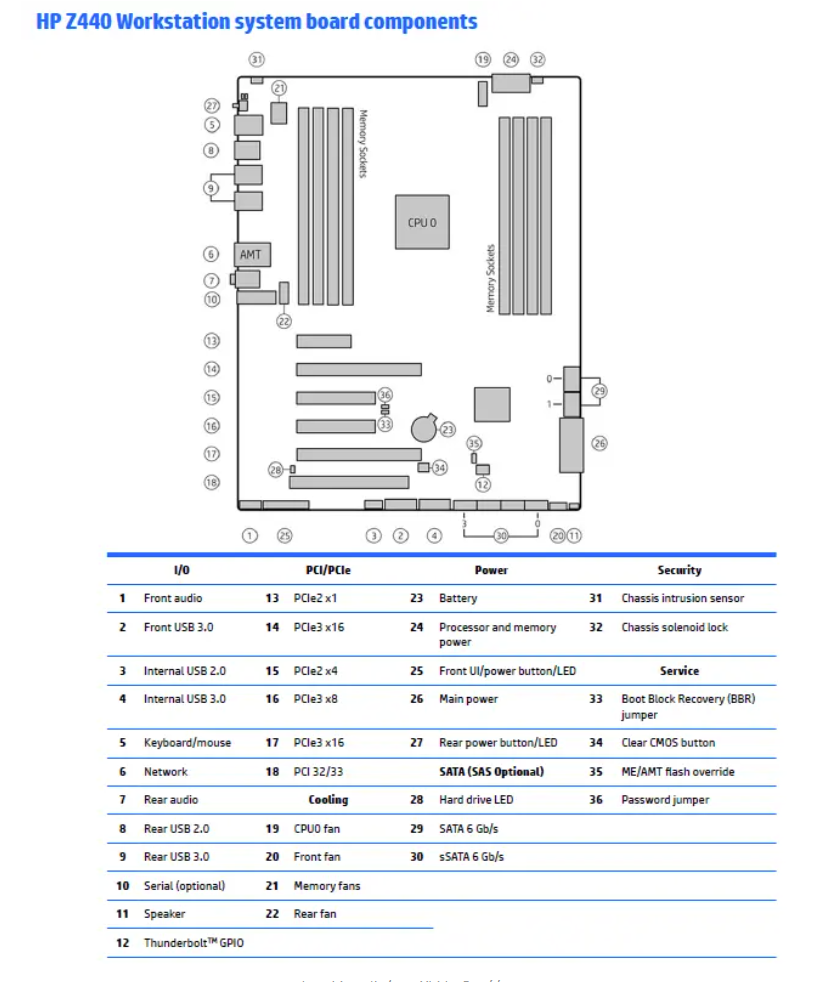
Interface overview:
Mounting and mechanical notes
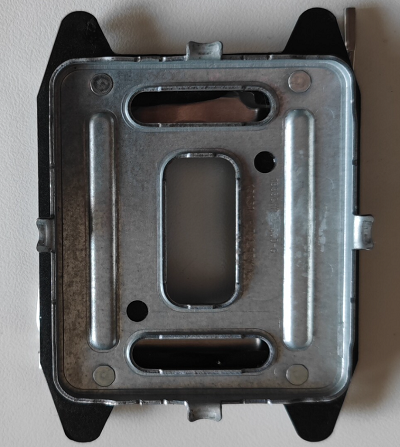
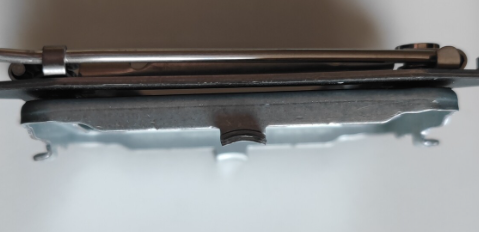
Z440 board size is close to ATX but with some offset holes/positions. Test fit in common cases is possible but may need minor adjustment.
Front panel / header
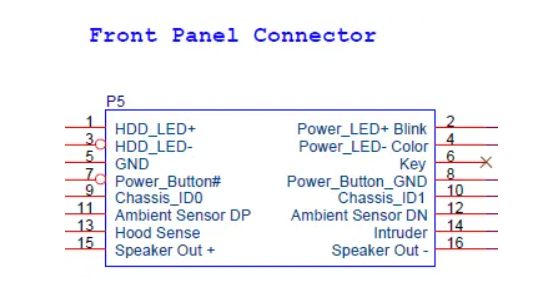
25-pin front header mapping:
Fan detection and startup checks
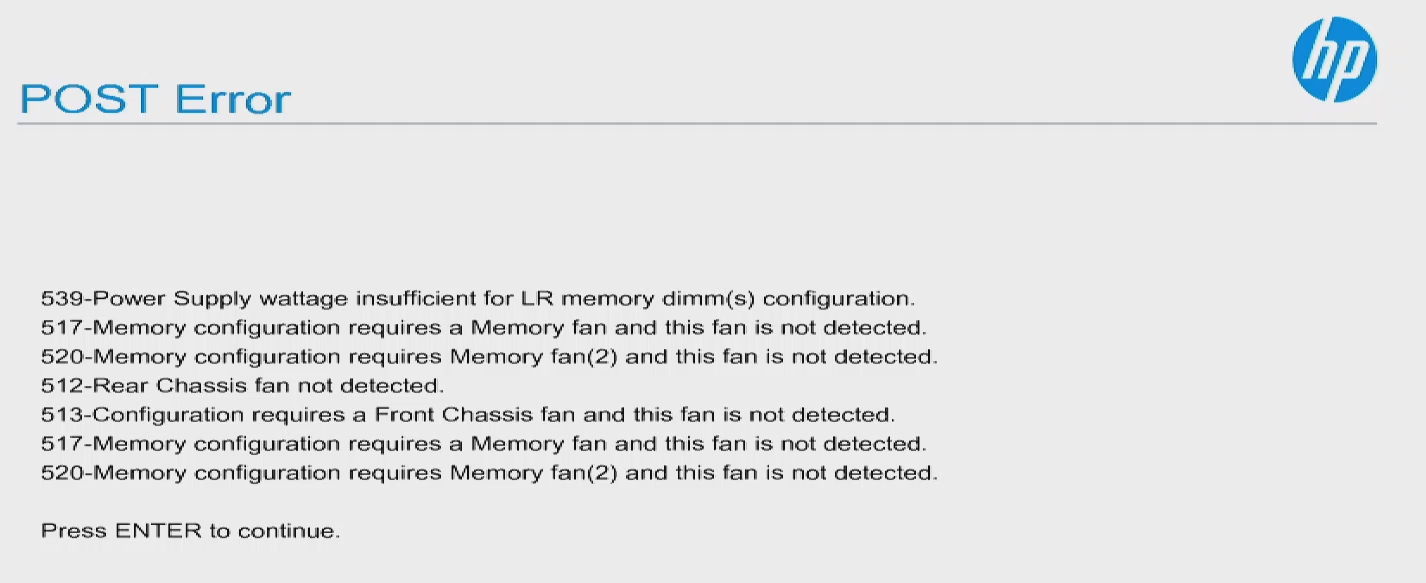
Z440 firmware checks several fans/sensors at boot. Missing expected fans can trigger warnings.
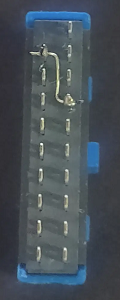
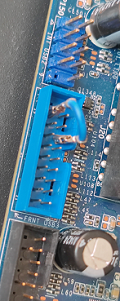
Front USB warning
If front USB is not connected properly, BIOS warnings may appear.
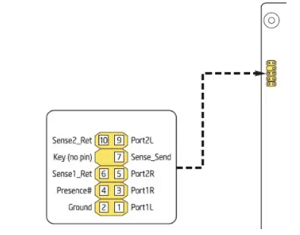
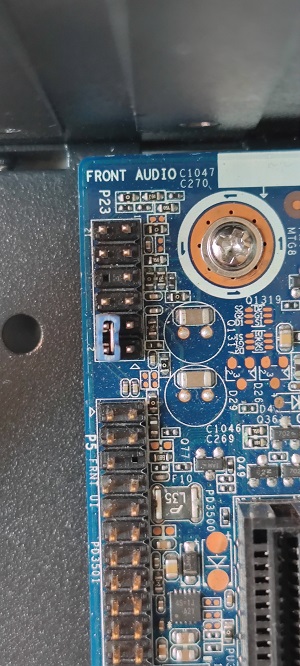
Front audio header
Incorrect front-audio detection can trigger warnings. Looping required pins can bypass detection in some cases.
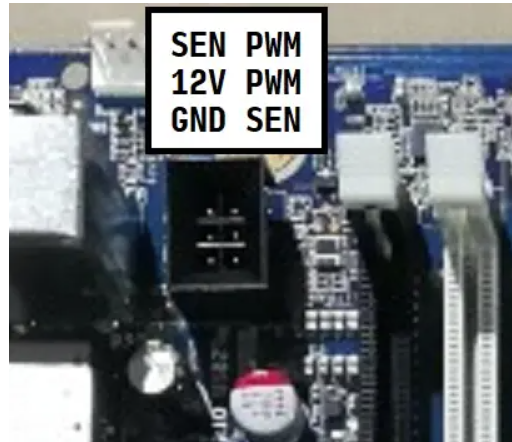
Fan headers
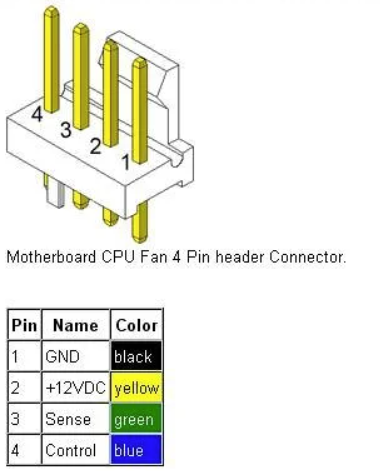
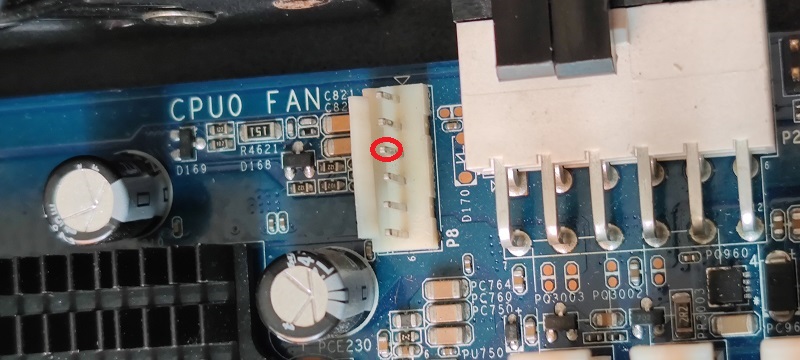
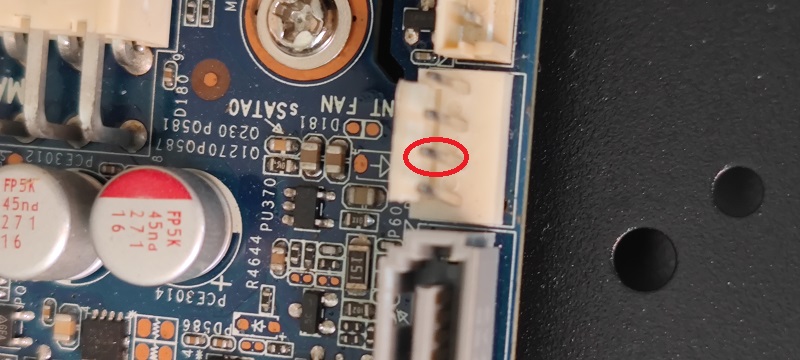
CPU and memory fan headers are monitored.
CPU fan is 6-pin (electrically close to 4-pin PWM with vendor-specific layout).
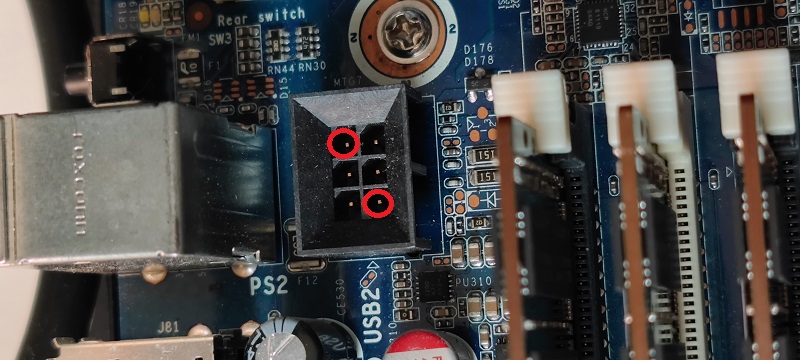
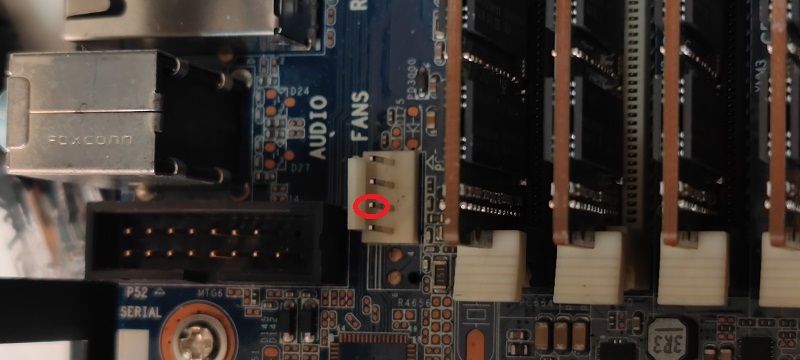
Power Supply Notes (18P + 12P)
Z440 board uses:
- one 18-pin main connector
- one 12-pin CPU/aux connector
18P connector mapping
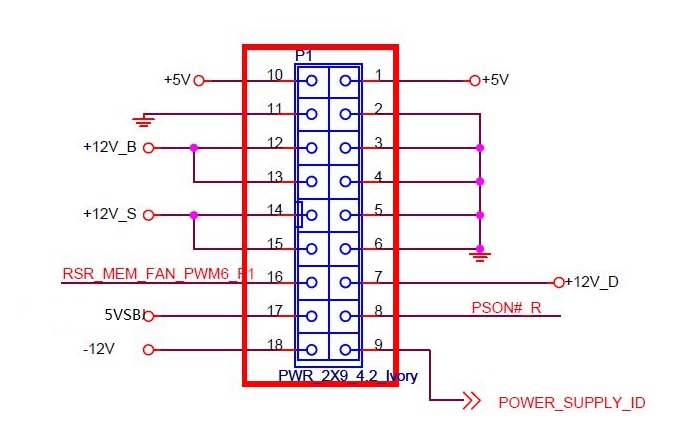
+12V_B, +12V_S, +12V_D feed different board domains.
12P connector
Conceptually close to an 8-pin CPU + extra 4-pin arrangement, with multiple 12V and GND lines for CPU/memory power.
About Warning 539 (LRDIMM power insufficient)
Common warning:
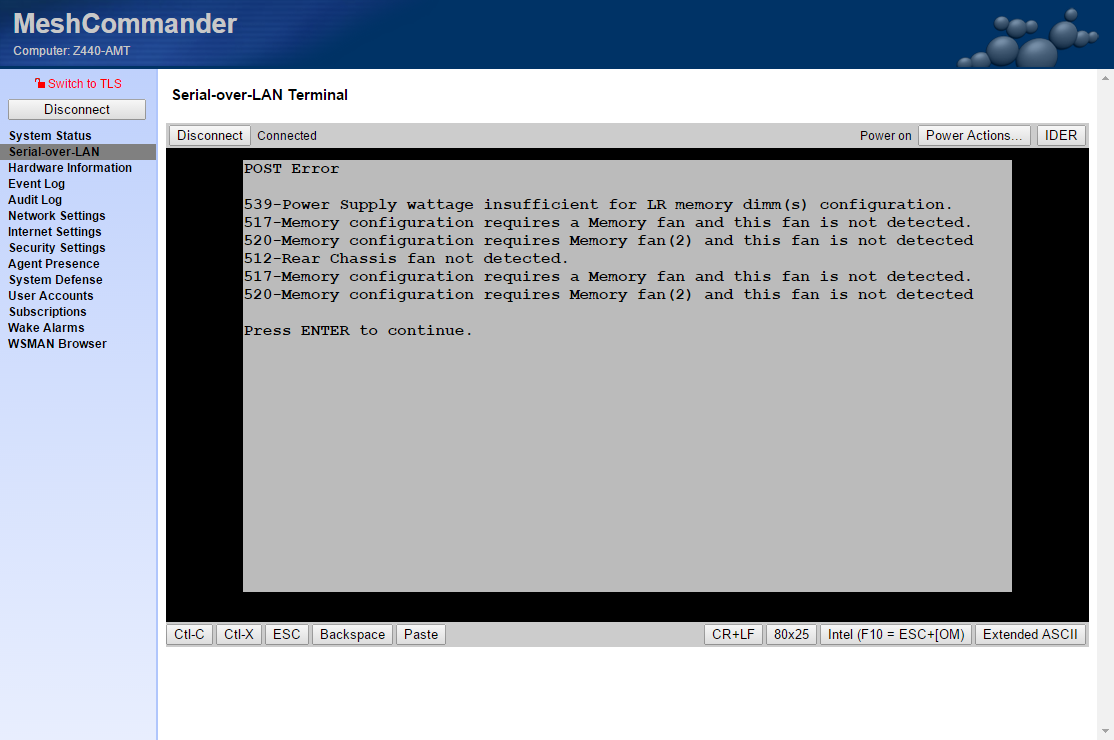
539 - Power supply wattage insufficient for LR dimm memory configuration
Observed behavior from community references:
- Warning may appear with LRDIMM even with high-watt OEM PSU.
- It is hard to fully suppress in some firmware combinations.
- Using RDIMM (2Rx4 REG ECC, non-LR) generally avoids this warning.
References:
Remote Management
Z440 does not have BMC. Useful remote options:
- WOL (wake on LAN)
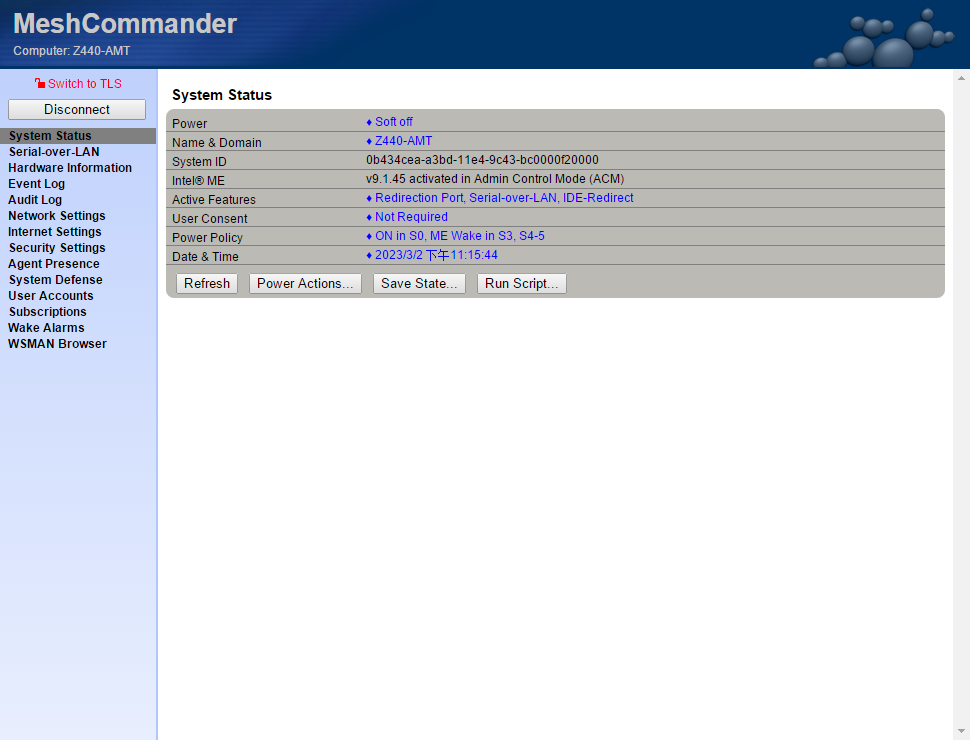
- Intel AMT (partial capability depending on CPU/platform)
AMT can provide:
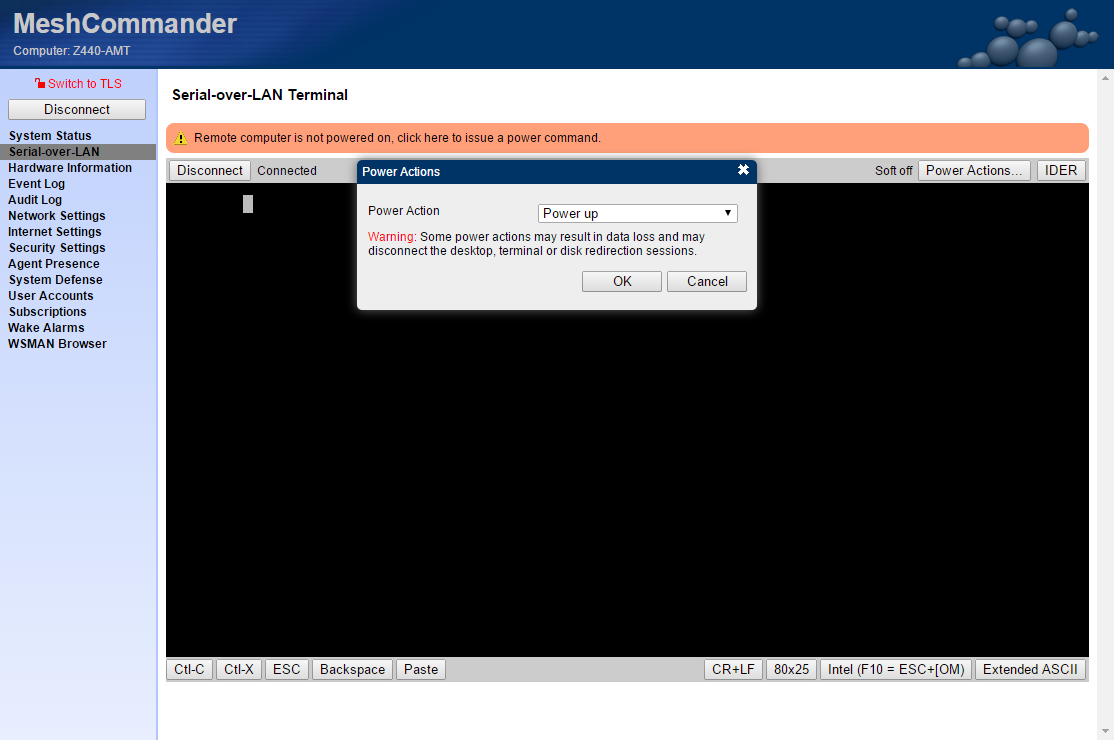
- remote power operations
- hardware/system info
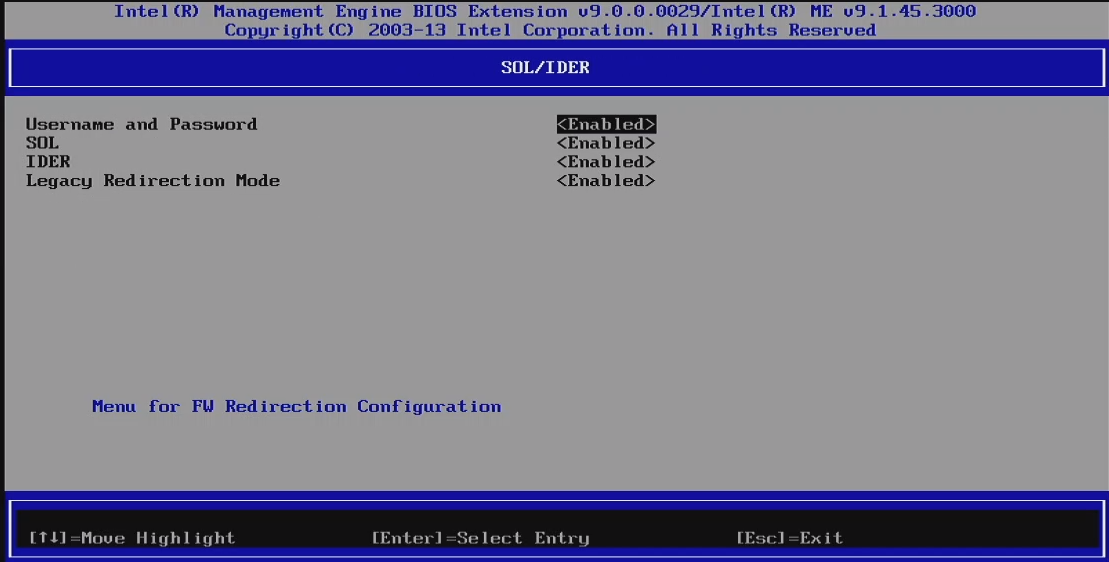
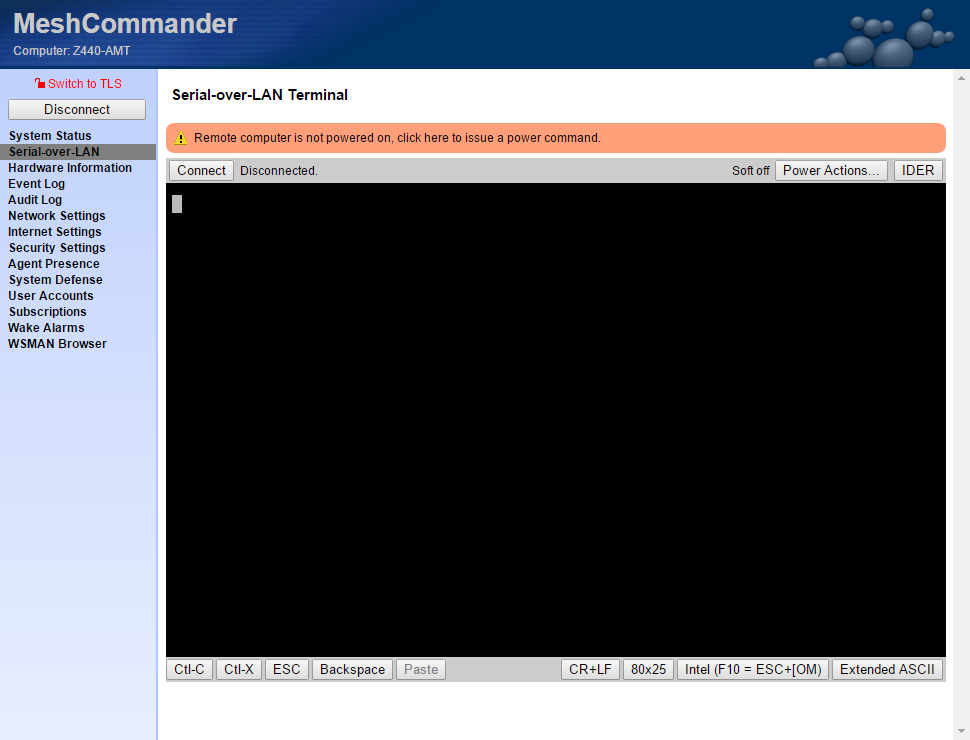
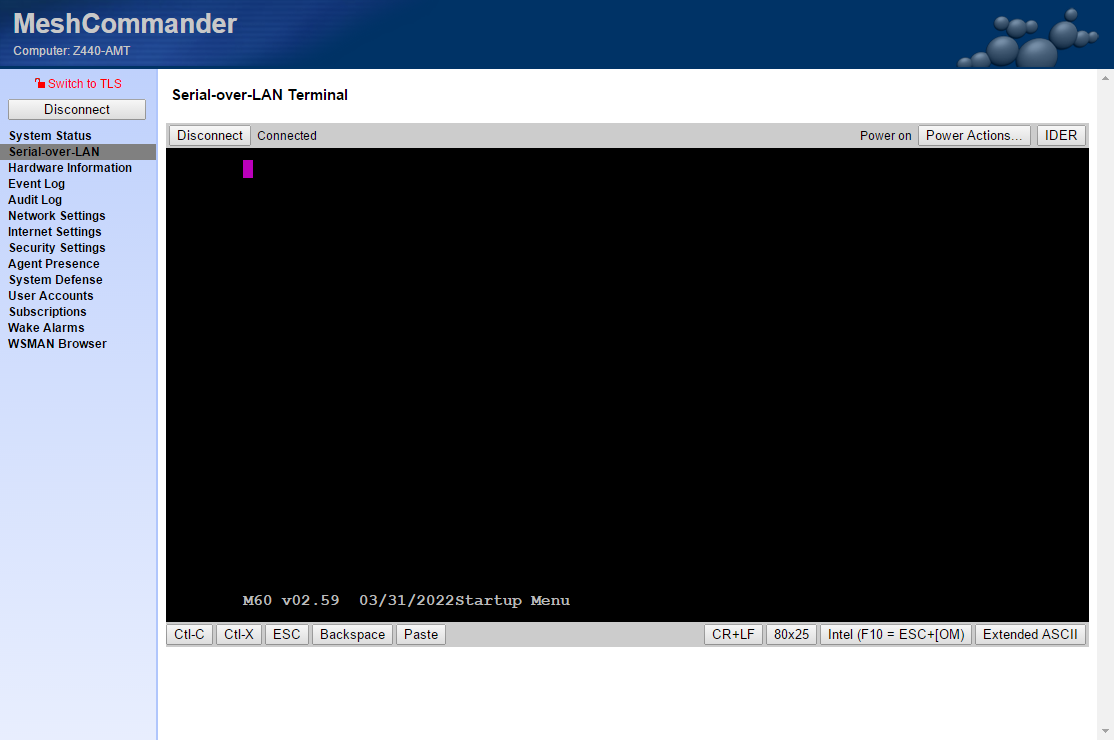
- Serial-over-LAN for text console during boot
AMT setup highlights
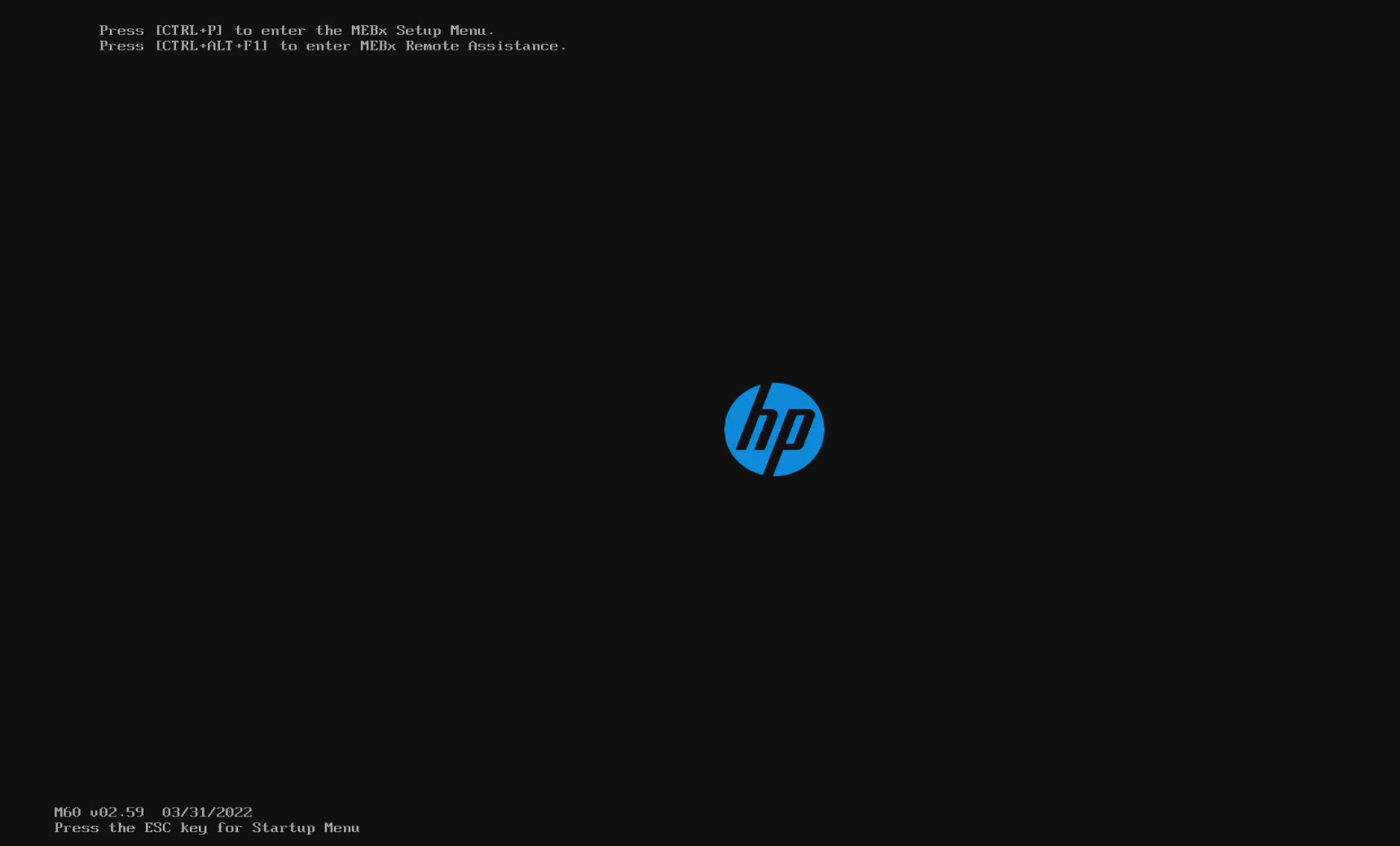
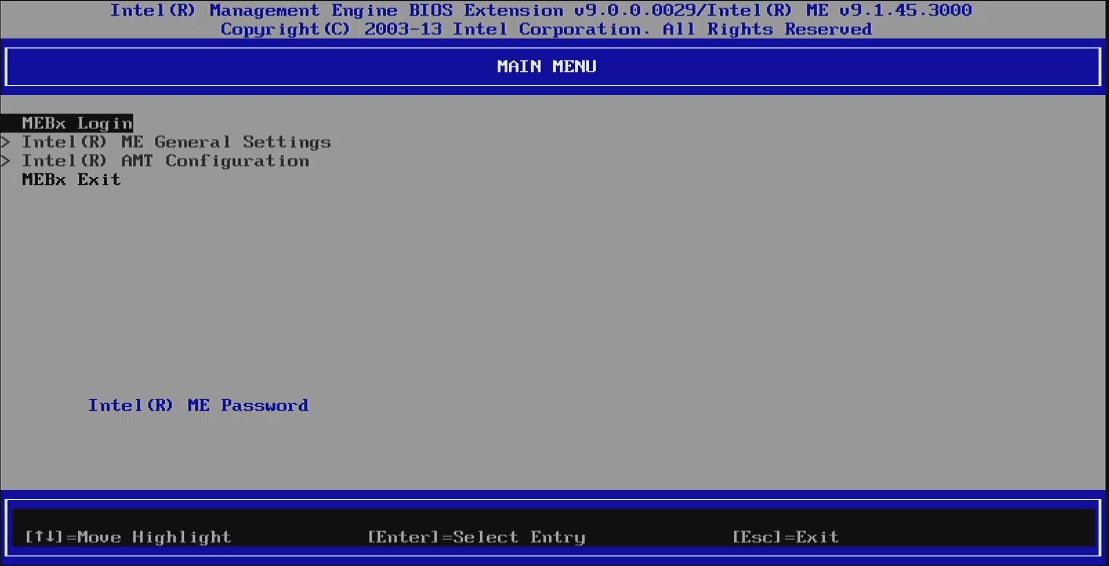
- Press
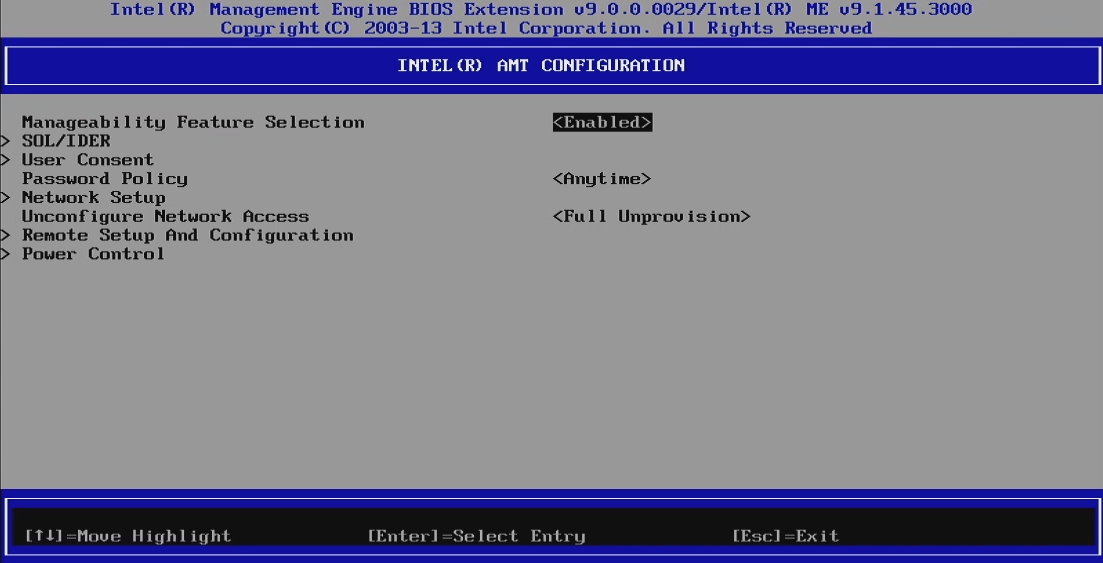
Ctrl + Pduring boot to enter AMT setup. - Configure network and enable AMT.
- Enable SOL / legacy redirection mode for serial console.
Client tools
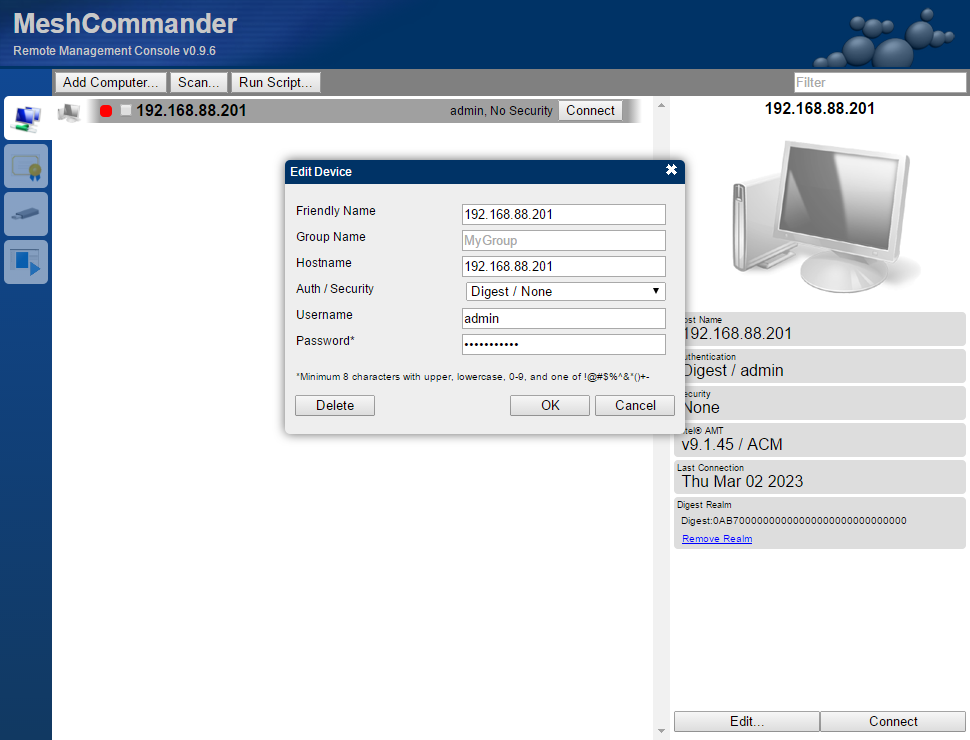
- Web access:
http://<amt-ip>:16992 - MeshCommander: https://www.meshcommander.com/meshcommander
Headless Boot (without dedicated display GPU)
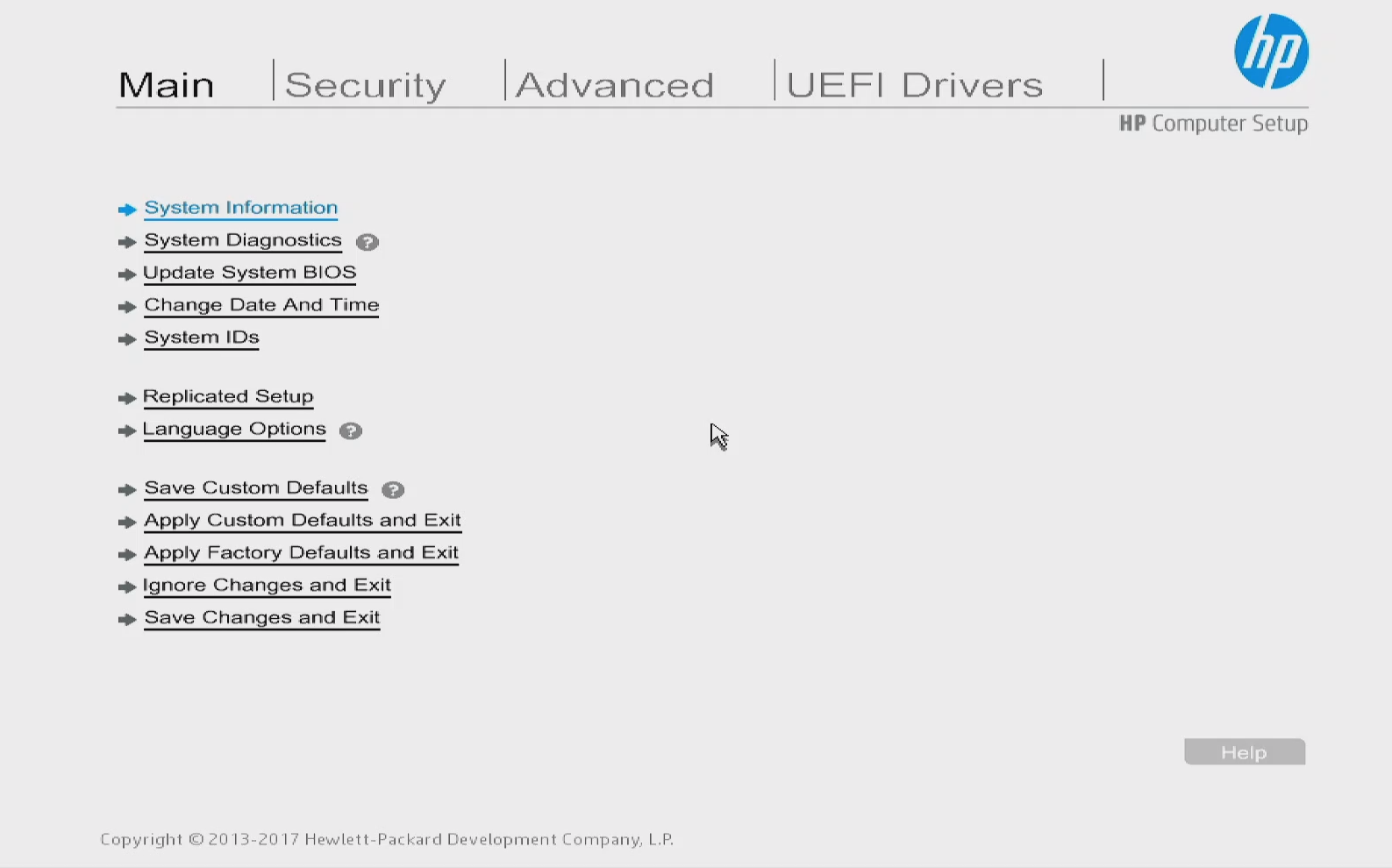
With many Xeon configurations, no iGPU output is available. You can enable headless boot via BIOS replicated setup export/import.
Workflow:
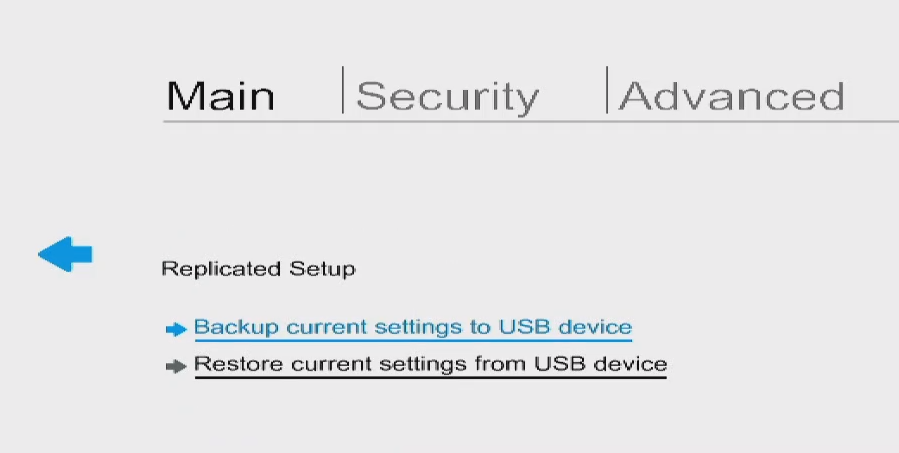
- Enter BIOS (
Esc) ->Replicated Setup. - Export settings to FAT32 USB.
- Edit
HpSetup.txt, changeHeadless BootfromDisabletoEnable. - Import settings from USB.
Power Measurement Notes
With E5-2630 v4:
- Base setup (single memory stick, SSD, no dGPU): around 41W idle on Ubuntu.
- 8x32GB ECC REG memory installed: around 60W idle.
Approximate per-stick impact in this test: about 3W per 32GB module.